
MetService NZ Weather App notifications
Receive notifications on your mobile phone when a MetService Severe Weather Watch or Warning is issued or if there is an Extreme Fire Danger risk.
Give yourself time to prepare for impactful weather. Install the free MetService NZ Weather app on your mobile phone and enable notifications from the main menu.
Severe Weather Watch and Warning notifications
Issued by our severe weather specialists when impactful rain, wind or snow is forecast.
Severe Weather Watches are issued two to three before an event, giving an early heads up that significant weather may be on the way. Severe Weather Warnings are typically issued 24 hours before an event if conditions are likely to exceed severe weather criteria. Notifications are sent soon as a Watch or Warning is issued and when updated.
Severe Thunderstorm Warnings, notifications are sent when a severe thunderstorm has been detected on one of our weather radars. Severe Thunderstorm Warnings are considered Red Warnings, though they cover a smaller and more localised area, their life-threatening impacts (flooding from downpours, hail and strong winds and lighting) make them very dangerous events. For more information see About Severe Weather Warnings.
Extreme Fire Danger notifications
Issued when the Fire and Emergency fire danger risk reaches its highest level (Extreme). Notifications are sent in the morning and provide that day’s timeframe for when fire danger is extreme and spark-causing activities should be avoided.
Choosing the locations you will be notified for
When you enable notifications, you will be prompted to subscribe to notifications for your Home Location and/or enable Current Location notifications. Current Location notifications use your device location to provide an alert if you are inside a warning area when a notification is issued. We recommend enabling both.
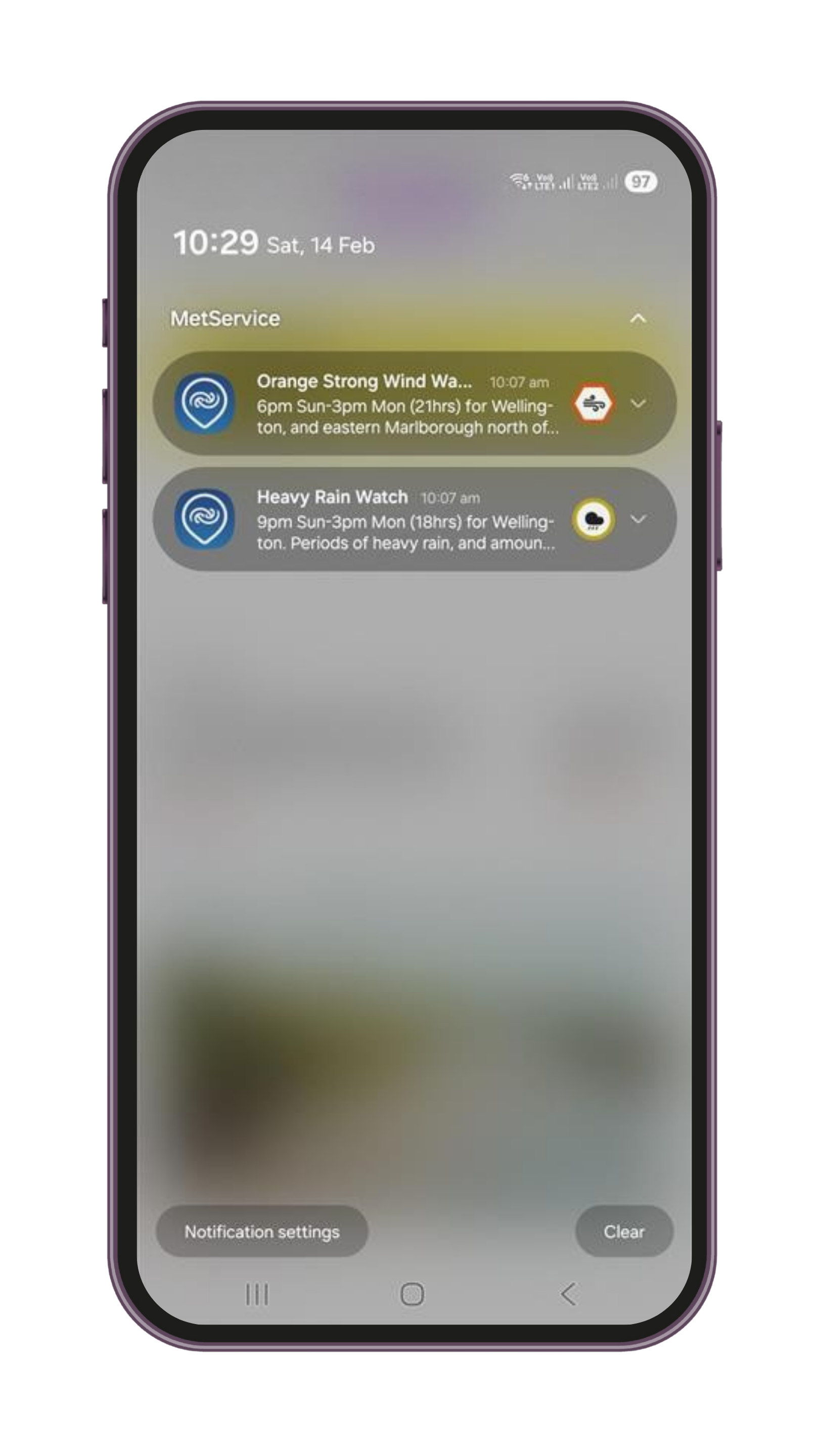
-
Push notifications are messages that can appear on a lock screen or in the top section of a mobile device even when an app is not in use. The MetService app now allows you to subscribe to Red Severe Weather Warnings and Extreme Fire Danger alerts.
You can enable notifications for your Home Location (the one at the top of your saved location list), your current location, or both. Notifications are sent at the time the warning or alert is issued.
-
Civil Defence alerts are used for all types of emergencies. Our notifications are warnings about extreme environmental conditions (extreme fire danger or red severe weather warnings) that could potentially lead to emergencies.
Civil Defence Emergency Mobile Alert is an additional channel to help keep people safe in an emergency. It does not replace other alerting systems or the need to take action after natural warnings.
-
Open the MetService NZ app.
Tap the ‘pin’ icon in the top right corner to go to the locations menu.
Tap “Edit” to enable edit mode.
Tap and hold the up/down arrow next to the location you want as your home location,
Drag it as far up the list as you can (this will be the second slot, as the first slot is reserved for your current location).
Tap “Done”, your location should now have a house icon next to it designating your home location.
Note: If the location you want isn’t already in your “My Locations” list, add it first using the “Find a location” search.